Turtlebot4
Environment
- This project was developed with the following environment and platform:
Ubuntu 22.04
ROS2 humble
ignition gazebo 6.16.0
ignition service 11.4.1
python 3.10.12
c++ 11.4.0
Eigen3 3.4.0-2ubuntu2
Hardware
Turtlebot4 from Wyman
Installation
To successfully detect Aruco AR markers through Turtlebot4 camera, first install relevant libraries by:
$ pip3 install opencv-contrib-python transforms3d
# Then clone ros2-aruco library from https://github.com/JMU-ROBOTICS-VIVA/ros2_aruco.git
# Go to the corresponding directory, then execute
$ colcon build --packages-select ros2_aruco
# Don't forget to run source install/setup.bash when you want to use ros2_aruco package.
As for the turtlebot4, we follow the turtlebot4 User Manual on https://turtlebot.github.io/turtlebot4-user-manual. We follow every steps to install the turtlebot4 gazebo simulation and turtlebot4 packages.
Once installing ros2 aruco packages and turtlebot4 packages, our project’s packages about turtlebot4 could be installed through colcon build. And it would work.
Package Specification
The packages are listed as followed.
t4_wyman
move_turtlebot
ros2_aruco
spin_around
t4_wyman
This is a package similar to RSP homework 10. The main idea is that we load wyman building in gazebo first and we put a cube with a Aruco AR marker in this world. Also, we have a slam launch file to generate a map as well as a patrol launch file to do localization and navigation. Here is the description of each file/folder in this package.
config: it includes behavior tree file and navigation file.
launch: it includes slam and patrol launch files.
maps: it includes generated wyman map.
worlds: it includes wyman building model and cube with a Aruco AR marker model.
CmakeLists.txt
package.xml
ros2_aruco
This is the package from https://github.com/JMU-ROBOTICS-VIVA/ros2_aruco.git for Aruco AR marker detecting.
move_turtlebot
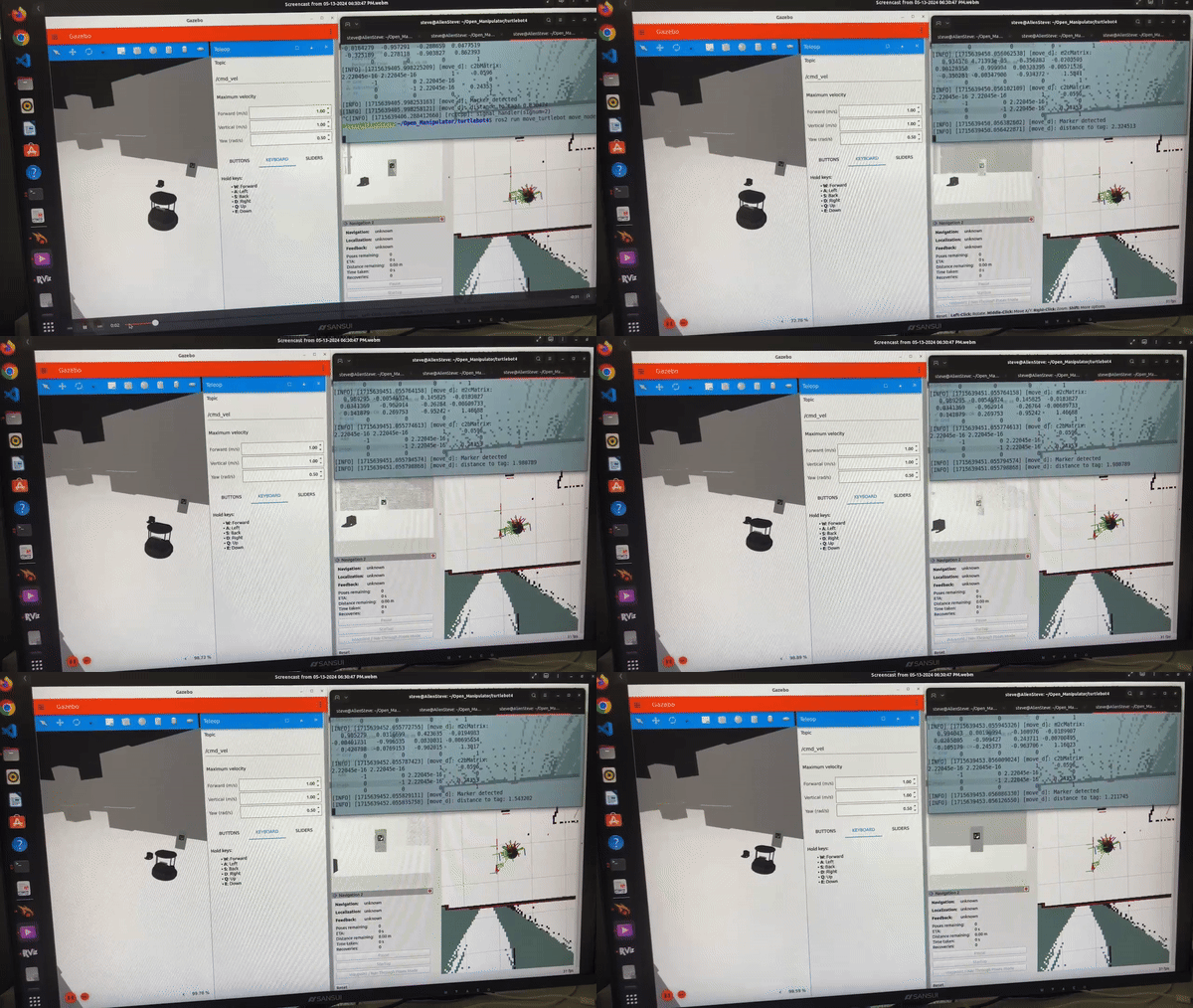
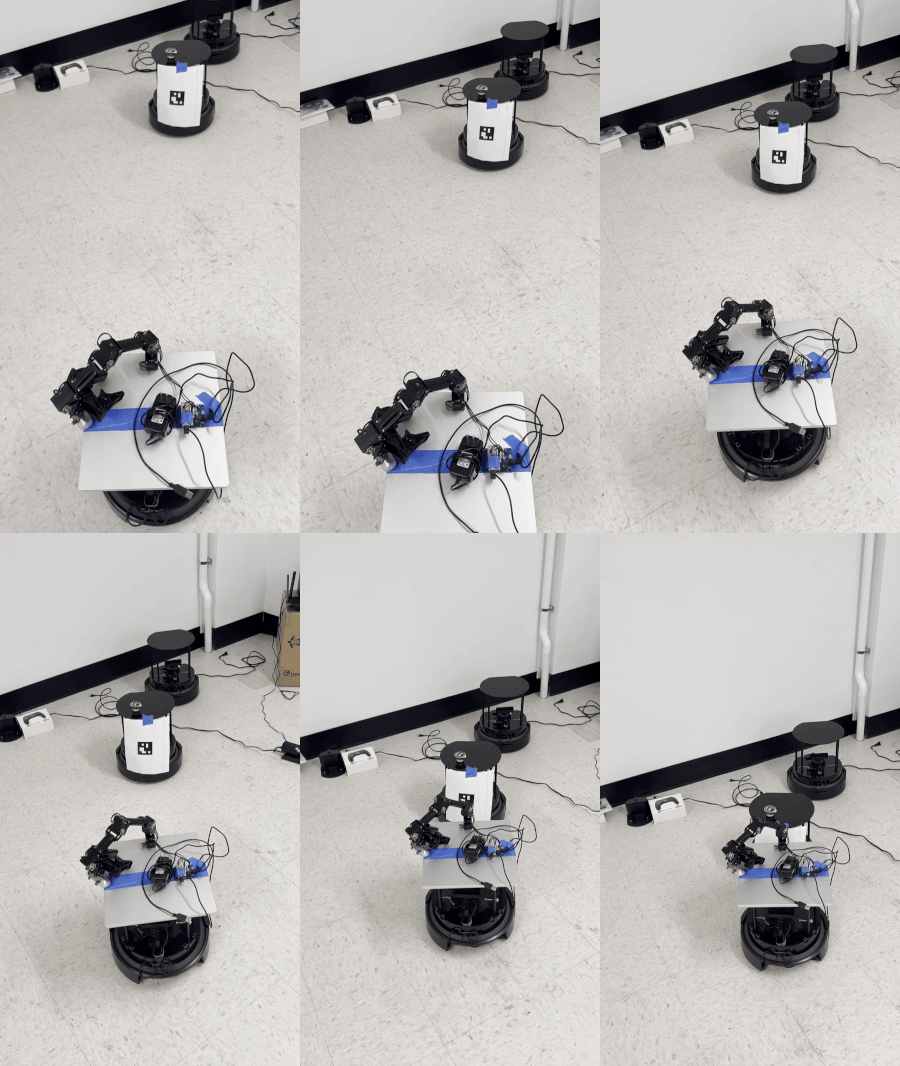
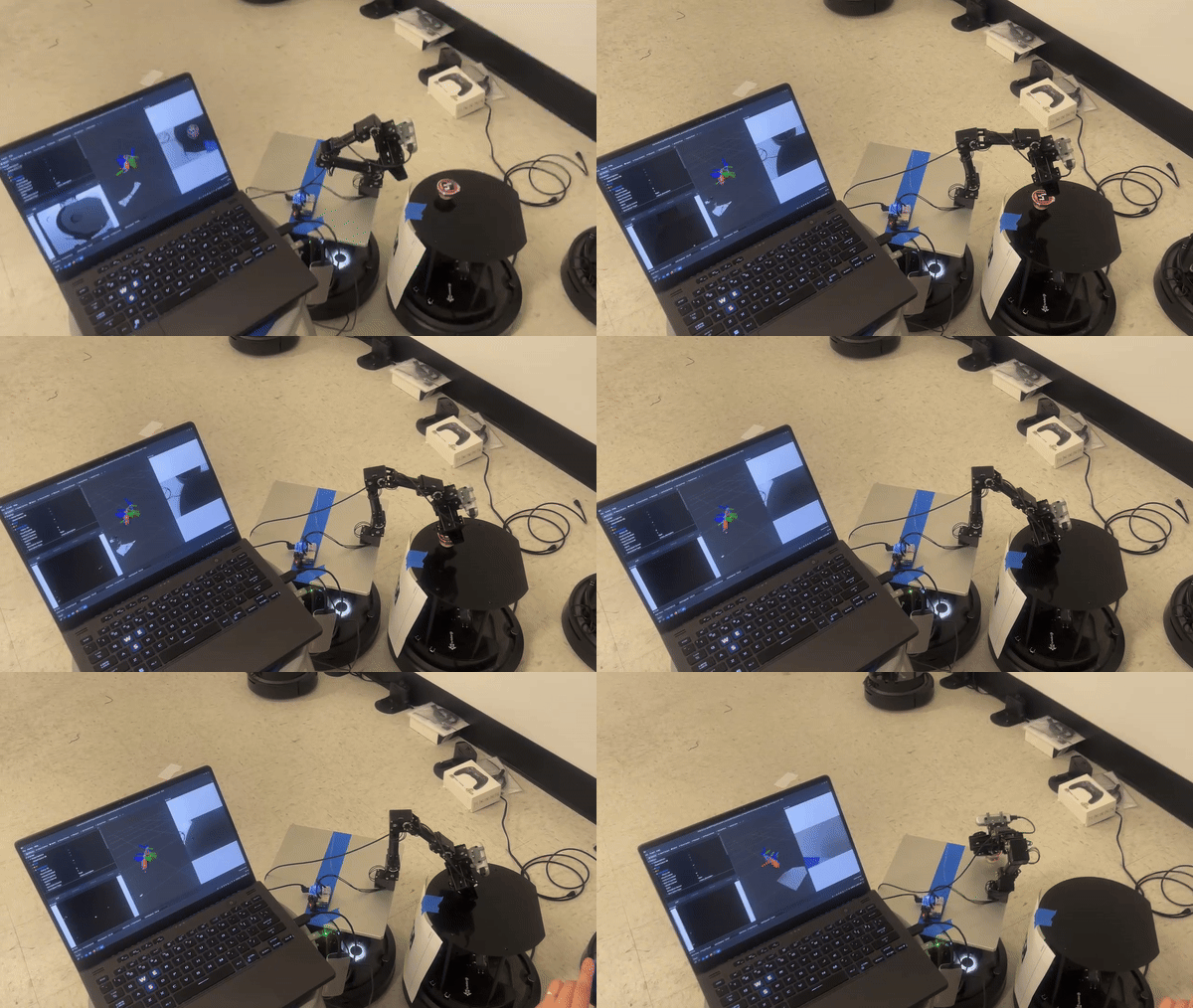
The main idea for the Aruco AR marker detecting part of our project is as we run the turtlebot4, no matter in the gazebo simulation environment or in the real world, if the camera successfully detect the marker, our turtlebot4 will stop previous moving command and then automatically move toward the marker. We define a safe distance so the turtlebot4 will keep moving toward the marker until it’s within the safe distance.
In this package, it mainly has “include” and “src” folder like the standard ros2 c++ package.
Here is the description for functions achieved in this package.
Initialization: We initialize several 4*4 transformation matrix to save the relative relationships between different links. The final goal is to transform the marker position w.r.t. camera to position w.r.t. turtlebot4 baselink. Also, we define a subscription to
/aruco_poseswhich will receivegeometry_msgs::msg::PoseArray. And we define a publisher to/cmd_velto control the turtlebot4.quat2matrix: A helper function to convert the quat and pos to matrix.
ar_cb: In this function, it looks up the transform between
base_linkandoakd_rgb_camera_optical_frameas well as receiving marker positions. It is used to calculate the transformation matrix. We define a timer in the initialization part so it will keep calculating the transformation.move_cb: It changes the turtlebot4 velocities when the camera detects the marker. It checks the
marker2base_Matrixto decide whether detecting a marker or not.
spin_around
The idea is when the turtlebot4 had not detected the marker, the turtlebot4 would around until the camera could see the marker.
Real World Demo
Simulation